• Feeling isolated? You're not alone.

    Join 20,000+ people who understand exactly how your day went. Whether you're newly diagnosed, self-identified, or supporting someone you love – this is a space where you don't have to explain yourself.

    Join the Conversation → It's free, anonymous, and supportive.

    As a member, you'll get:

    • A community that actually gets it – no judgment, no explanations needed
    • Private forums for sensitive topics (hidden from search engines)
    • Real-time chat with others who share your experiences
    • Your own blog to document your journey

    You've found your people. Create your free account

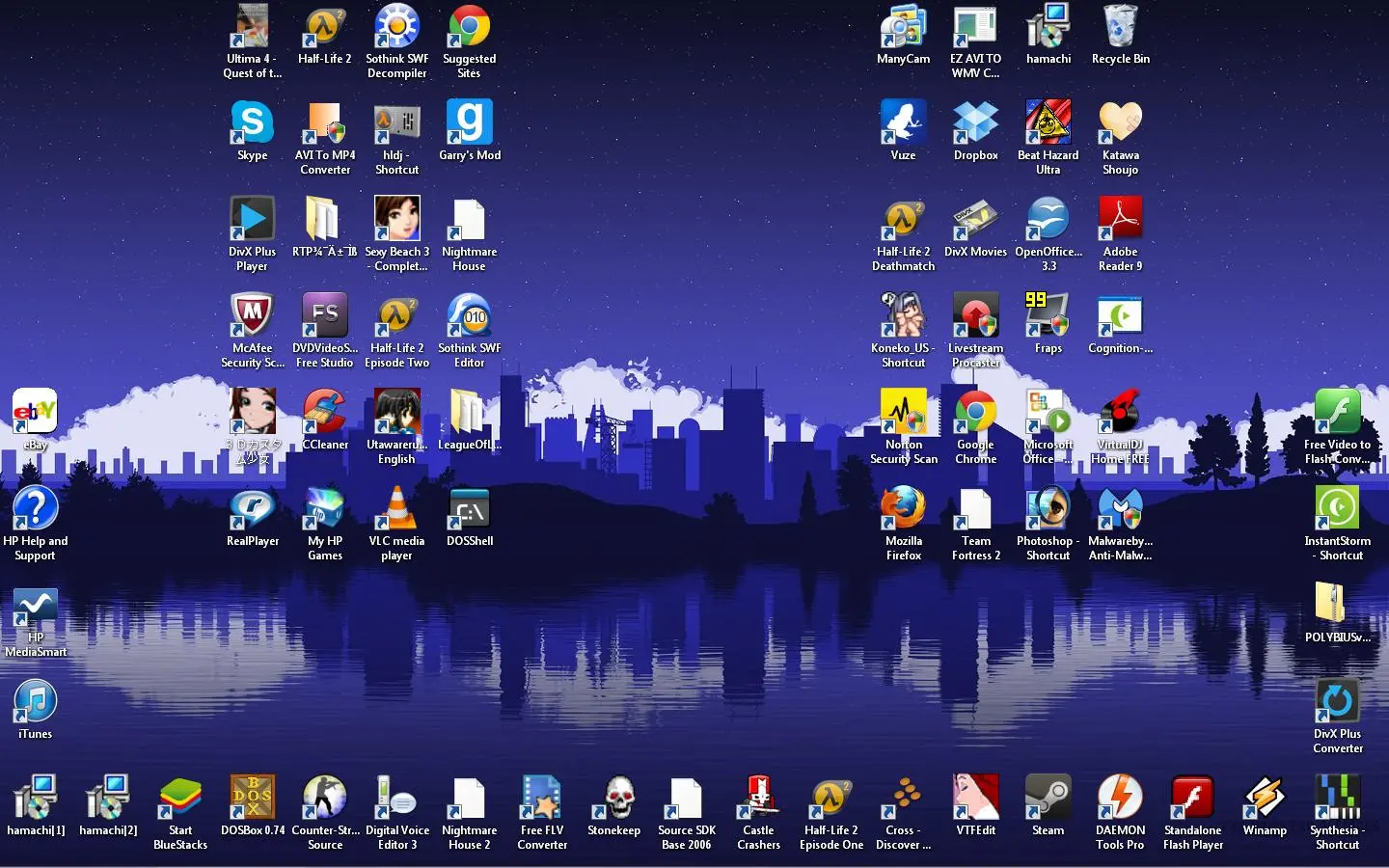
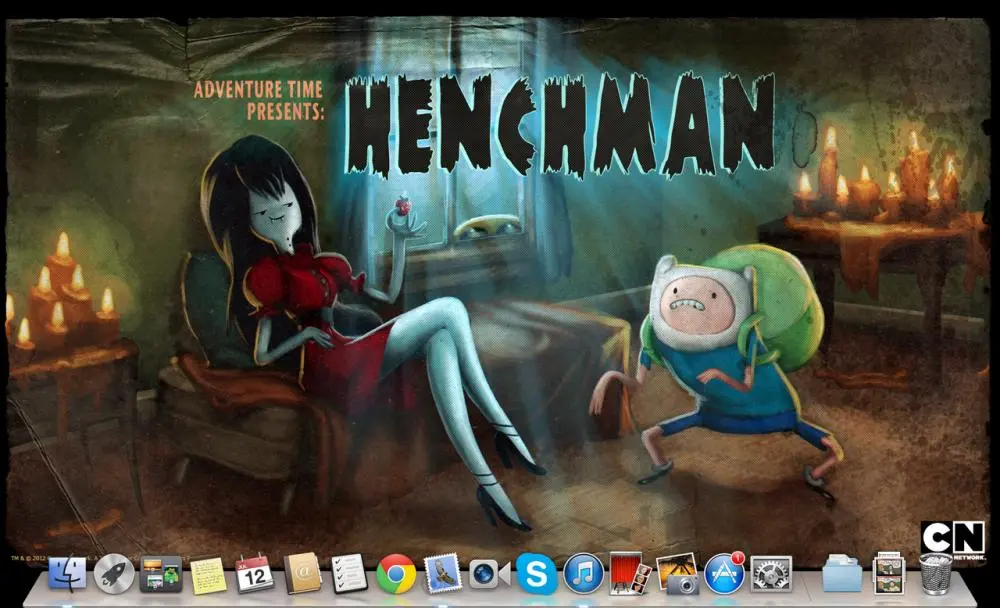
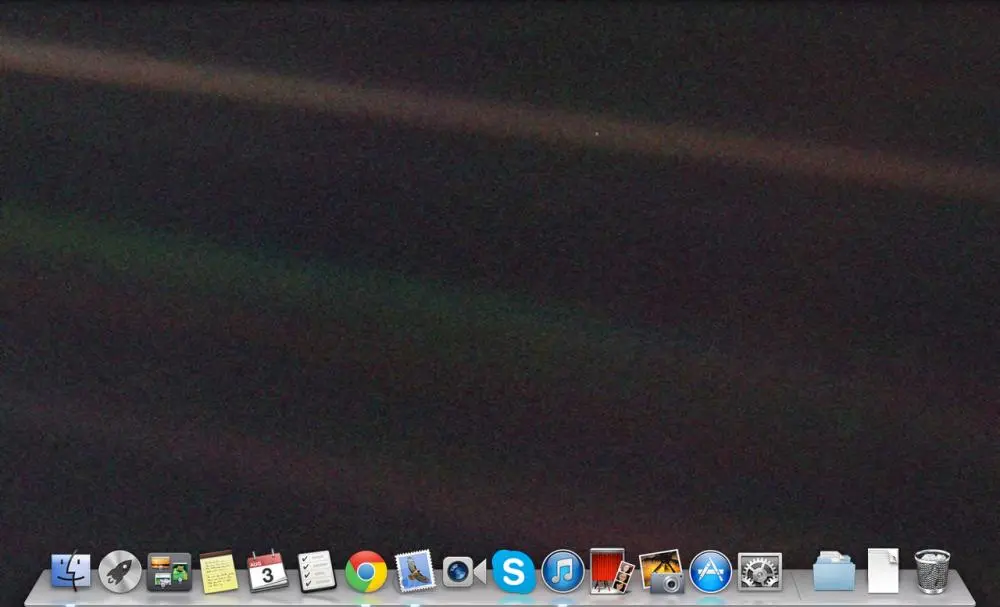
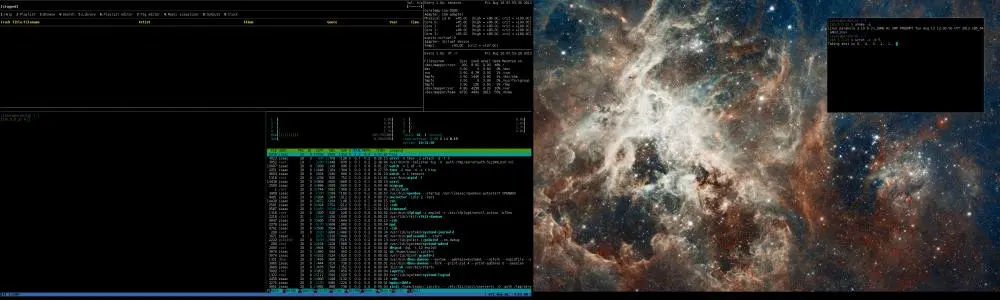
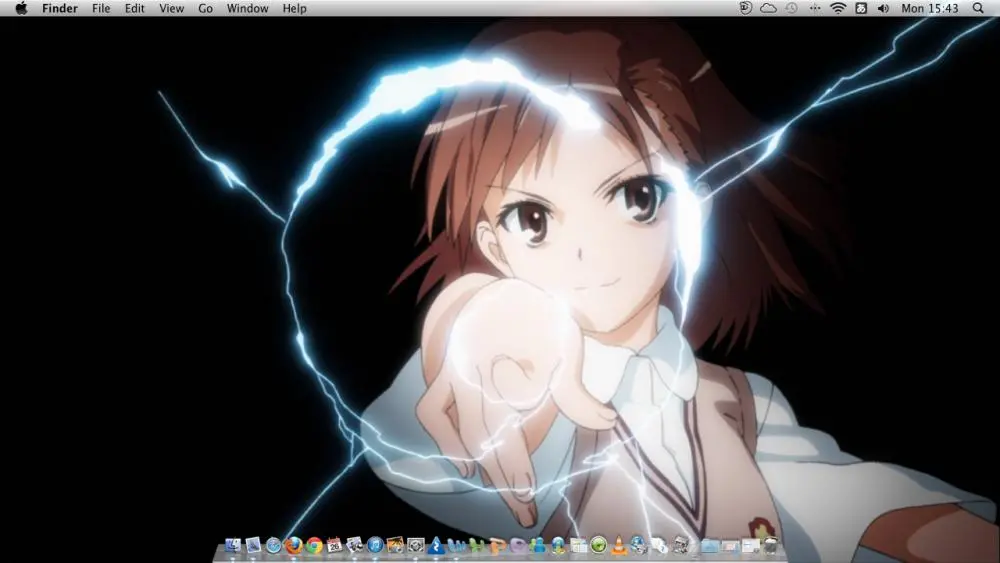
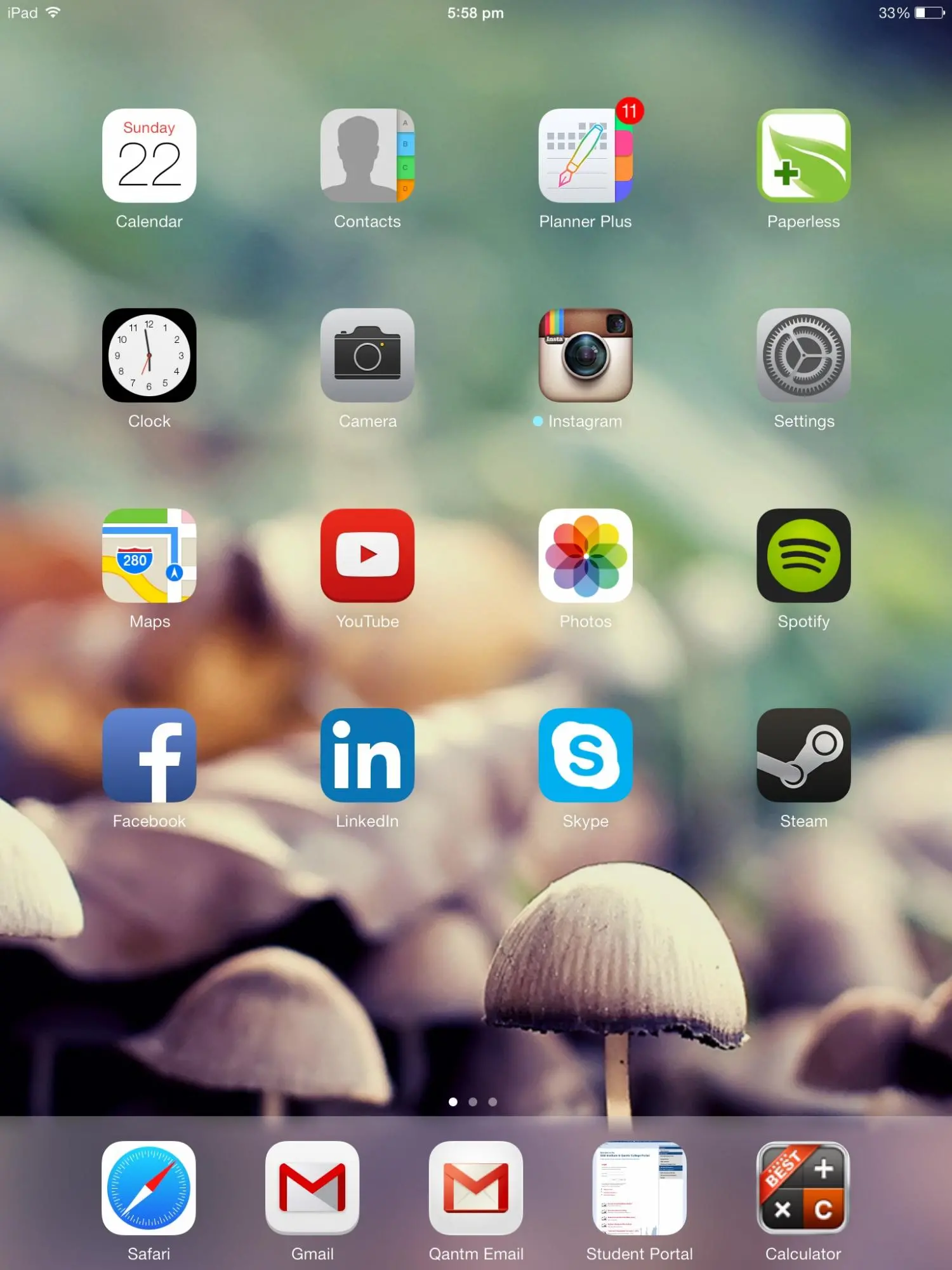
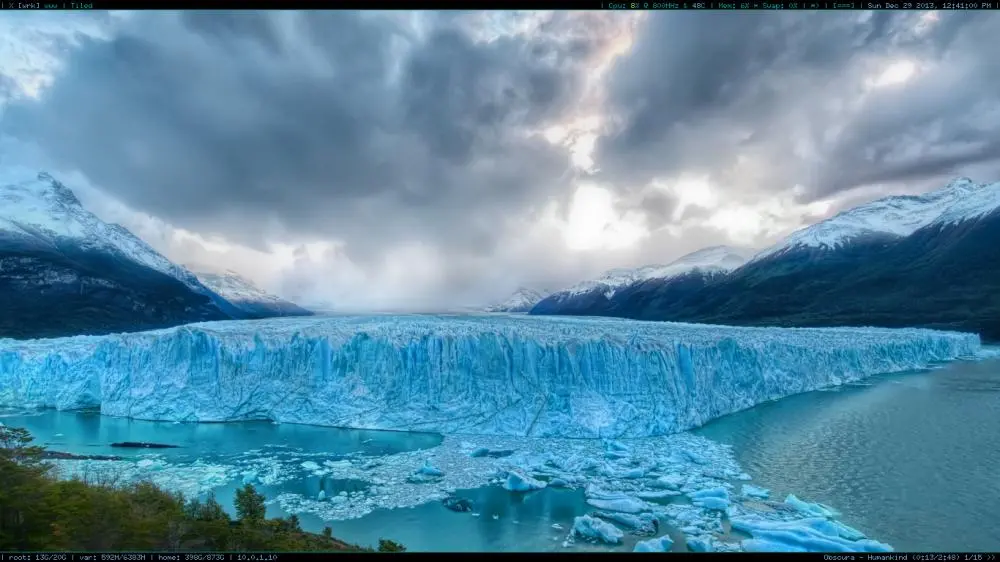
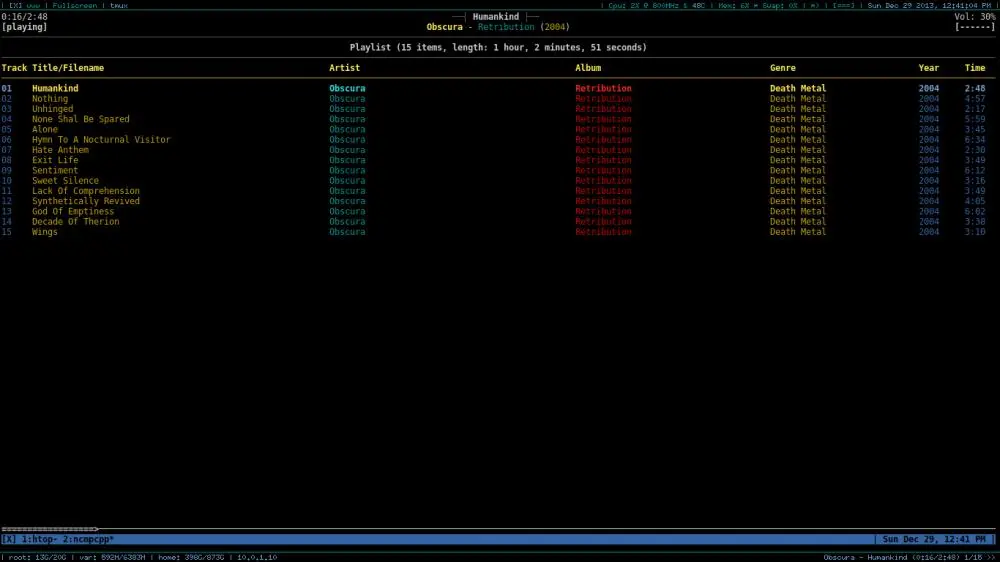
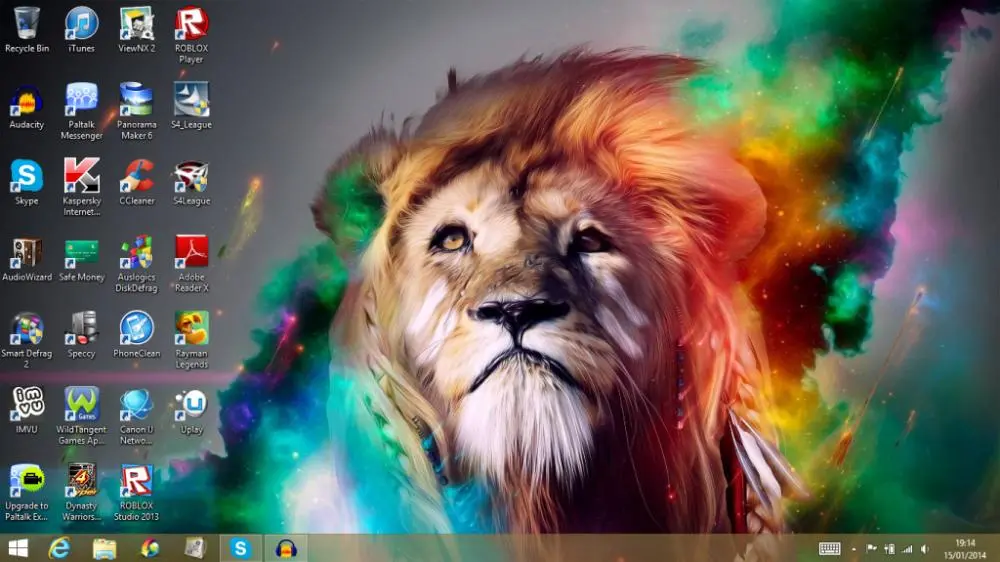
Post an Image of your Desktop!

oh it's MUCH easier to just double click on an exe or msi installer, in my opinion.

You can actually do that with .deb files. I prefer package managers since it's a lost faster to search and install stuff and easier to keep it updated. I HATE when software nags me about needing an update. I'd rather just run a command and have everything up to date.
 
Desktop.webp yep, smiley
 
Thanks!!! I think I need a new keyboard, because the Print Screen button does nothing. I wouldn't be surprised. It's about ten years old.

What Wyv obviously forgot to say was that you make a screenshot of your screen, but you still have to paste it in some imaging program. Printscreen creates a snapshot of your screen and puts it on your "clipboard" (the imaginairy place where things go when you press ctrl+c or rightclick and press Copy).
 
What Wyv obviously forgot to say was that you make a screenshot of your screen, but you still have to paste it in some imaging program. Printscreen creates a snapshot of your screen and puts it on your "clipboard" (the imaginairy place where things go when you press ctrl+c or rightclick and press Copy).

Well, pierce my tongue and hang me with a golden chain. I did indeed forget.

Time to bust out my Windows machine before I forget everything else too...
 
Empty desktop (wallpaper cycles every minute):
2013-12-29-12:41:01_1366x768.webp

The interface I use for adding music to the system music daemon:
2013-12-29-12:41:04_1366x768.webp
 
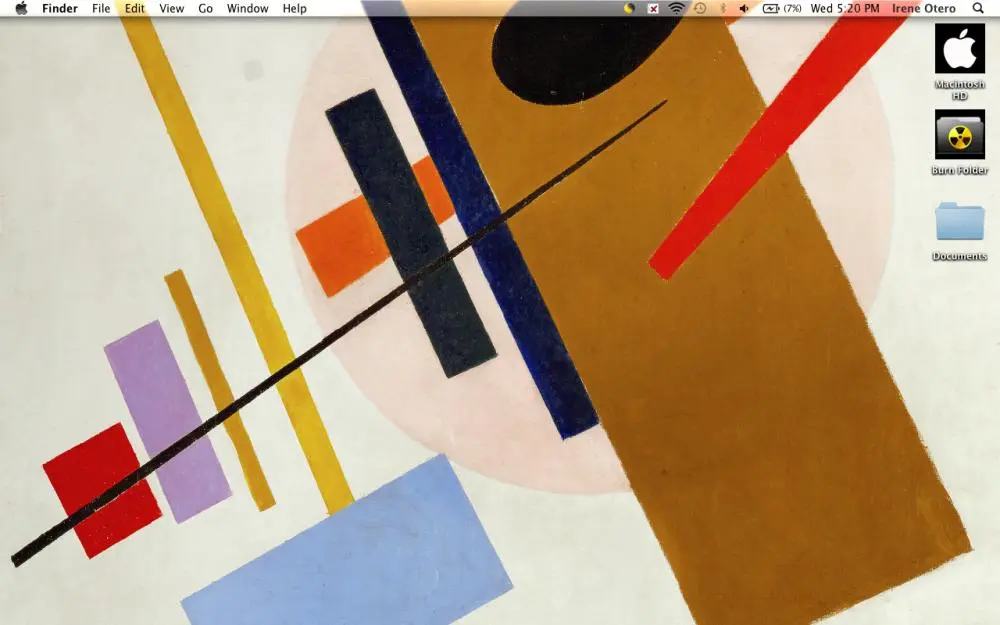
Screen Shot 2014-01-01 at 5.20.39 PM.webp
Note: The user is Irene Otero because I am using my mothers computer. The desktop is the same on my computer.
 
Last edited:
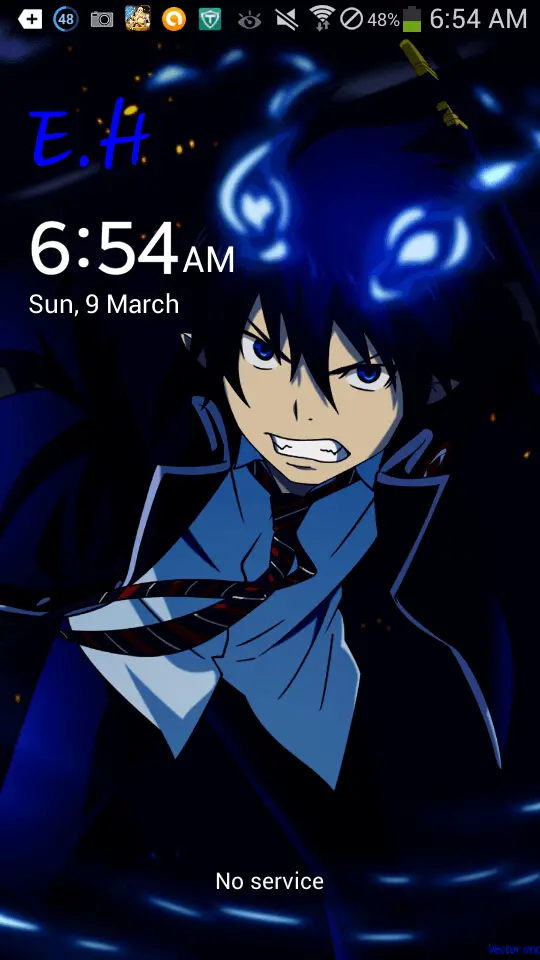
Right now I am using my phone, so i 'll post a pic of my phone desktop.
 

Attachments

  • Screenshot_2014-03-09-06-54-26.webp
    Screenshot_2014-03-09-06-54-26.webp
    30.2 KB · Views: 59

New Threads

Top Bottom