• Feeling isolated? You're not alone.

    Join 20,000+ people who understand exactly how your day went. Whether you're newly diagnosed, self-identified, or supporting someone you love – this is a space where you don't have to explain yourself.

    Join the Conversation → It's free, anonymous, and supportive.

    As a member, you'll get:

    • A community that actually gets it – no judgment, no explanations needed
    • Private forums for sensitive topics (hidden from search engines)
    • Real-time chat with others who share your experiences
    • Your own blog to document your journey

    You've found your people. Create your free account

Some of My GIFs/Smileys Are Not Working...

Crossbreed

Neur-D Missionary ☝️
V.I.P Member
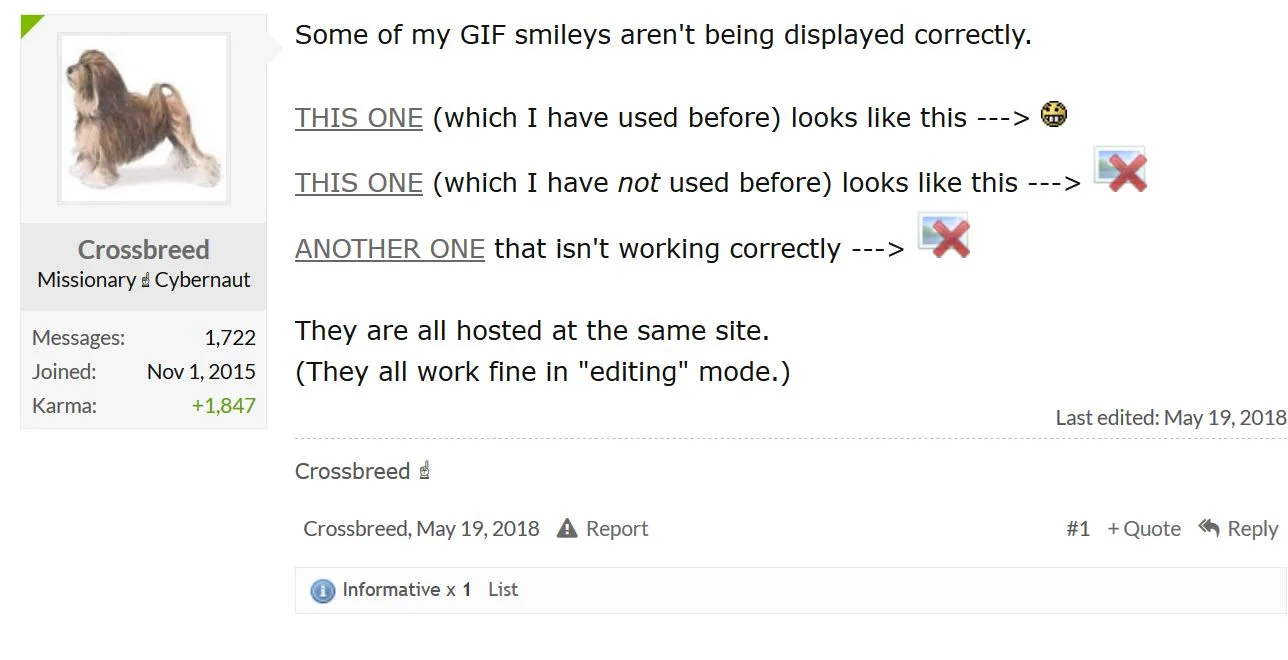
Some of my GIF smileys aren't being displayed correctly.

THIS ONE (which I have used before) looks like this --->
oops_orig.gif

THIS ONE (which I have not used before) looks like this --->
rolling-pin_orig.gif

ANOTHER ONE that isn't working correctly --->
rimshot_orig.gif


They are all hosted at the same site.
(They all work fine in "editing" mode.)
 
Last edited:
I have had the same situation.
In order to post Birthday Greeting images,
I have to make a screenshot of the image.

Otherwise......it's just the dumb blue box with the red X.
 
Can you provide a screen shot of this?

The blue box with the red X, like in the first post.

But, in the past couple days, that problem seems to
have resolved itself.

I have been able to post images, like birthday greetings,
etc...without having to work around it.
 
This is just a test.
I am going to see whether Copy and Paste works for the images
in the first post. Or whether I get the dumb blue box. This>
upload_2018-8-17_12-55-37.webp


Yup.
Dumb blue box.

Taking a screenshot doesn't give the effect though.
Because it turns them into stills.

upload_2018-5-31_17-17-40.webp
 
Last edited:
Ok, your first post hasn't changed.
Care to share what part hasn't changed?

I see an image getting hit with a rolling pin.

Others seem to have.

Changed as in what manner? An incorrect image, none at all?
 
To upload an image from a local file on your computer, start here:
upload a file.JPG

Which opens your files on your computer:
local files to upload.JPG
 
I have a screen shot of my first post, but I don't know how to attach it here. Hosting it again would be redundant.
 
Sure, if you click on his links they go to the GIF.

I can take a screenshot, in Edit, and get an image.
But I can't Copy & Paste those.
===
OK....I see you are showing how to upload.

I don't know if I will ever do that.
It seems too much bother, to me.
Assuming I can Copy/Paste, or use a
screenshot, that's what I do.
 
Repost as a copy paste:

Some of my GIF smileys aren't being displayed correctly.

THIS ONE (which I have used before) looks like this --->
oops_orig.gif

THIS ONE (which I have not used before) looks like this --->
rolling-pin_orig.gif

ANOTHER ONE that isn't working correctly --->
rimshot_orig.gif


They are all hosted at the same site.
(They all work fine in "editing" mode.)
 
Repost as a copy paste:

Some of my GIF smileys aren't being displayed correctly.

THIS ONE (which I have used before) looks like this --->
oops_orig.gif

THIS ONE (which I have not used before) looks like this --->
rolling-pin_orig.gif

ANOTHER ONE that isn't working correctly --->
rimshot_orig.gif


They are all hosted at the same site.
(They all work fine in "editing" mode.)
With all GIFs in motion
 
Top Bottom