

I've been trying to get my dad's computer to pick up other DLNA enabled devices on our LAN, those are, my computer's Windows Media Player sharing and my Denon Ceol stereo system. My computer picks up all the devices on the network, including my dad's computer and WMP sharing capability but his doesn't recognise these other devices. I can however access my files on his computer in the traditional sense through Home Group
The reason why I want this is just to be able to play my music straight through Windows Media Player on his computer.
Here's what my computer looks like, everything is working properly.
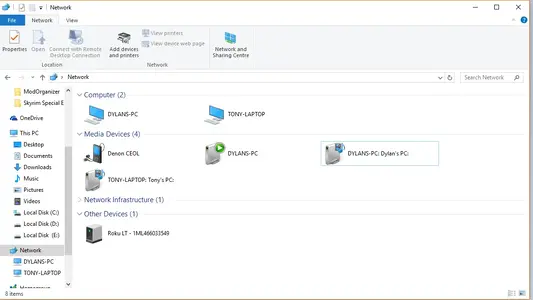
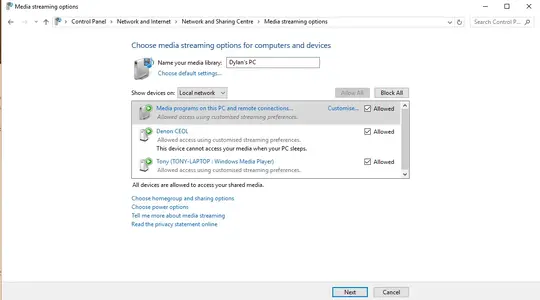
On the latter image, on his computer my stereo just doesn't show up at all.
Any help with be truly appreciated because I'm stumped.
The reason why I want this is just to be able to play my music straight through Windows Media Player on his computer.
Here's what my computer looks like, everything is working properly.
On the latter image, on his computer my stereo just doesn't show up at all.
Any help with be truly appreciated because I'm stumped.


