I think a game doesn't make your laptop slow... but a game might run slow on your laptop. Perhaps that's what you meant.
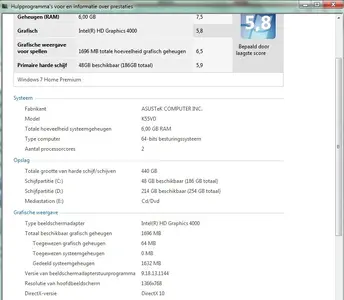
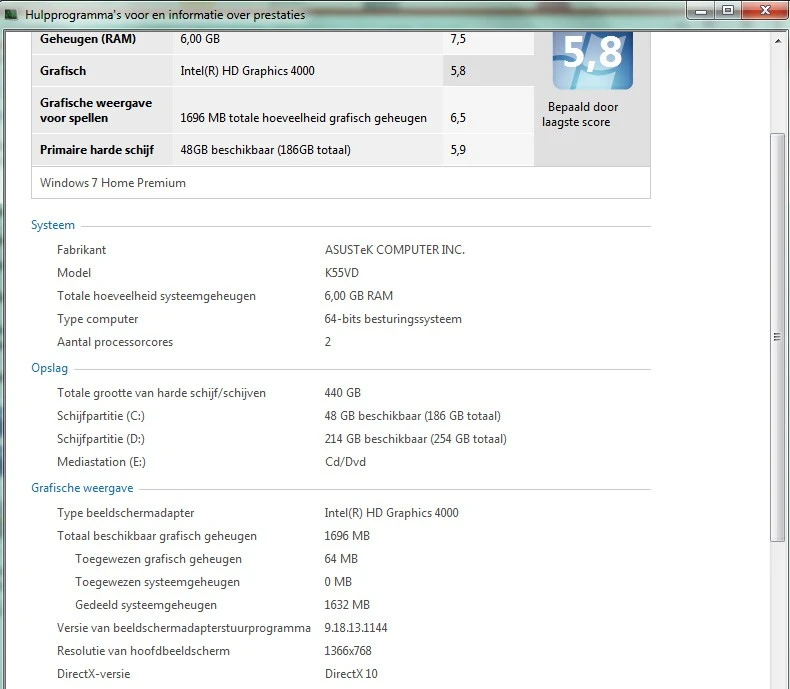
What I would suggest is to see if you can allocate more memory to your graphics card. Considering the recommended requirements of the graphics card the sims 2 has, cards around that era already were 128 mb in general, so 64 might not be enough for performance issues.
I can't see what kind of CPU you have, but I think if you run Windows 7 with an 5.8 score, you should be good to go.
As much as I'm not that fond to send people to download 3rd party apps and programs, perhaps you should give this website/app a try?
Can You RUN It | Can I run that game | Game system requirements
It has both a webclient and an app to install creates an index based on your computerhardware that compares it to system requirements for the game you select. Seems pretty straightforward to use.